M3U player for CarPlay and iPhone
Paste an M3U or M3U8 link once. AutoPlay reads the playlist, sorts it by group and shows it on the CarPlay home screen and in a full-screen iPhone player.
Play an M3U playlist in CarPlay
- 1
Copy your playlist link
Your provider or media server gives you an M3U or M3U8 link. Some show a QR code instead.
- 2
Add it to AutoPlay
Open AutoPlay on the iPhone, add a source and paste the link or scan the QR code. You can refresh, rename or delete the playlist later.
- 3
Connect to CarPlay
Plug in the cable or use wireless CarPlay. Your playlist is on the CarPlay home screen under AutoPlay.
- 4
Play
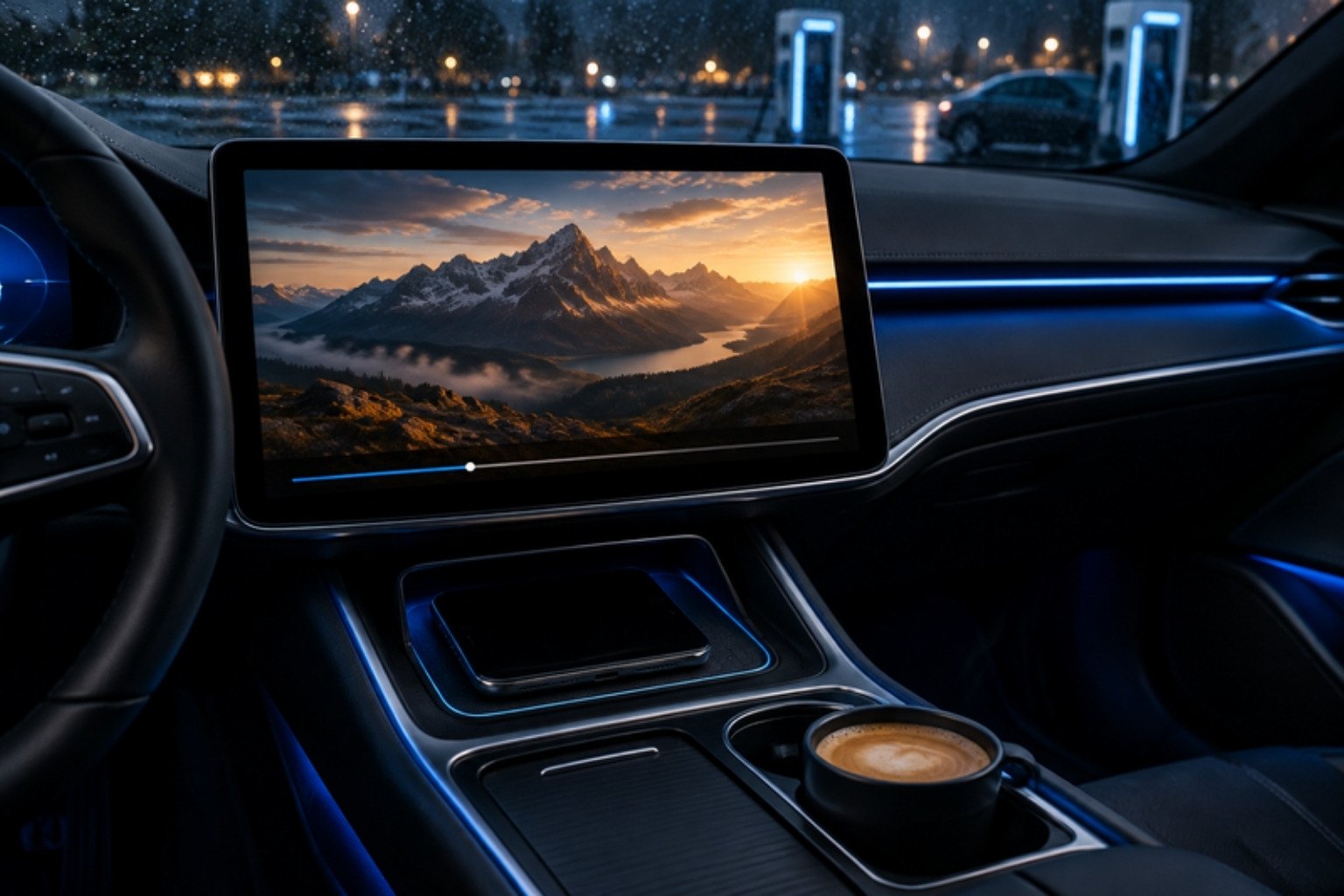
Pick a group and a channel or title on the car display. In cars that support video in CarPlay, tap the TV button in Now Playing once to see the picture there.
Big playlists stay quick
Thousands of channels open group by group, with logos. Films and series get posters; episodes named like S01 E02 are grouped into series and seasons.
What works in your car
Every CarPlay car
- Your library on the car display
- Sound through the car speakers
- Play, pause, back and forward 10 seconds in Now Playing
- The picture on the iPhone, AirPlay to a TV
Cars that support video in CarPlay
- The picture on the car display: tap the TV button in Now Playing once
- Your whole iPhone screen mirrored, Smooth (720p) or Sharp (1080p)
- The next titles follow on their own
Playback in the car and screen mirroring are part of AutoPlay Premium (weekly, yearly or a one-time lifetime purchase). Never watch while driving.
What the M3U player does
- M3U and M3U8 links and playlist QR codes
- Groups, logos, favourites and recently played
- Series found from titles (S01 E02) and sorted by episode
- MKV, AVI, TS, MP4, MOV and HLS, including HEVC; audio tracks and subtitles
- Full-screen iPhone player with fit and fill, speed and AirPlay to a TV
- Resume where you stopped, in the car and on the iPhone
Questions
What is an M3U playlist?
A text list of stream addresses with names, groups and logos. IPTV providers and media servers hand it out as a link (M3U or M3U8). AutoPlay plays that list; it does not provide one.
What is the difference between M3U and M3U8?
M3U8 is the same list format saved as UTF-8 text, so names in any language show correctly. The ending .m3u8 is also used for HLS video streams. AutoPlay plays both.
Can I play an M3U playlist on Apple CarPlay?
Yes. Add the link in AutoPlay and the playlist appears on the CarPlay home screen, sorted by group. The sound plays through the car in every CarPlay car; the picture shows on the car display in cars that support video in CarPlay.
Can I use AutoPlay as an M3U player on the iPhone only?
Yes. The free version includes the iPhone player, with ads: full screen, audio tracks, subtitles, speed and AirPlay to a TV. Playback in the car needs AutoPlay Premium.
My playlist is huge. Does that work?
Yes. Large lists open group by group with logos. Mark the channels you watch most as favourites to find them fast in the car.
Does AutoPlay include playlists?
No. AutoPlay is a player only. It includes no channels, playlists or subscriptions; you add sources you already have the right to use.
Your films, series and live TV, in the car.
Free download. Premium unlocks playback in the car and screen mirroring.