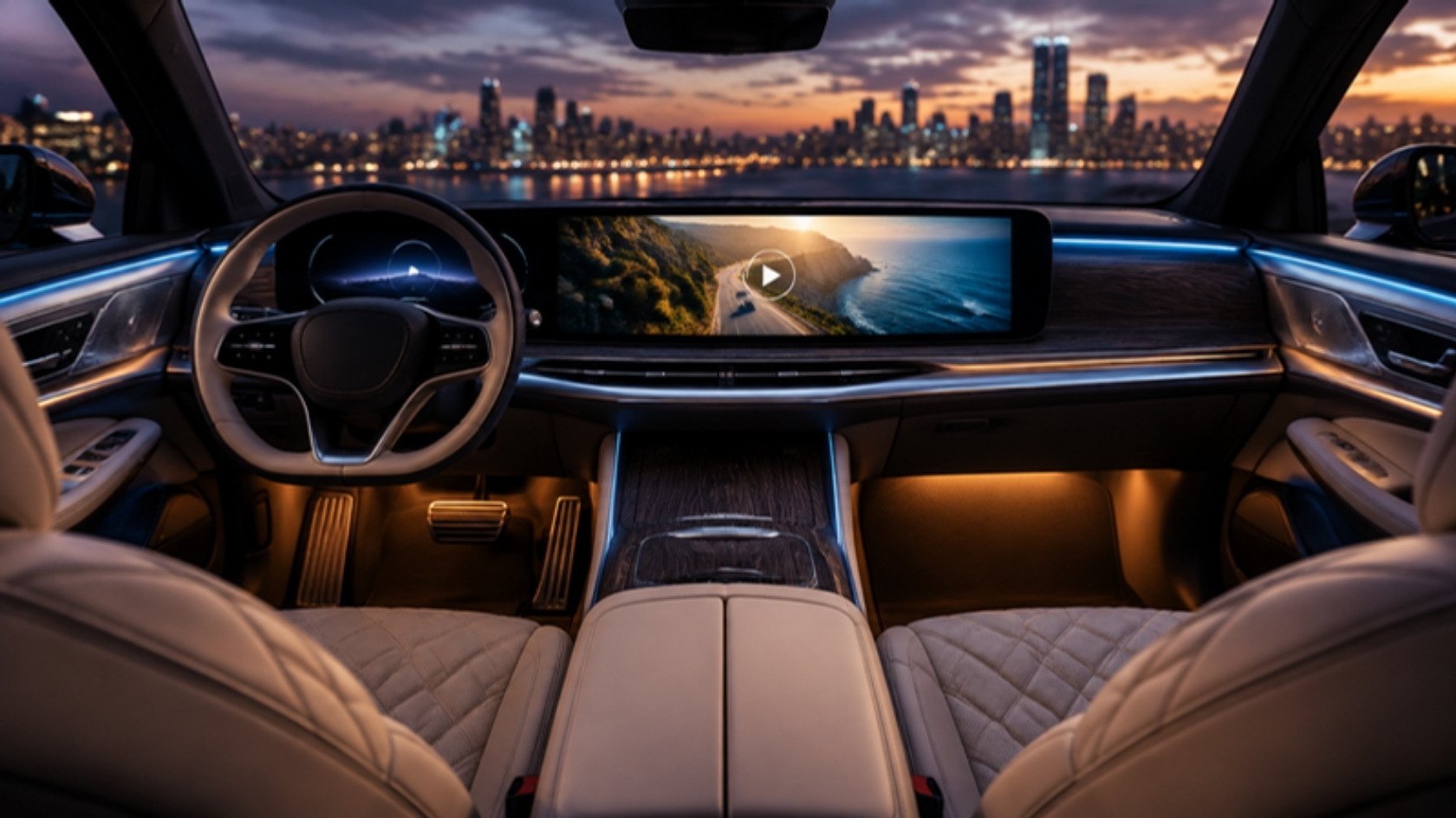
Watch videos on Apple CarPlay: your movies, series and live TV
AutoPlay plays your M3U playlists, Xtream Codes logins and video files in CarPlay. Browse them on the car display and hear them through the car. In cars that support video in CarPlay, play movies on the car screen and mirror your whole iPhone screen.
What AutoPlay does
AutoPlay is a media player for the car. You bring the sources; AutoPlay organises them and plays them in CarPlay and on the iPhone.
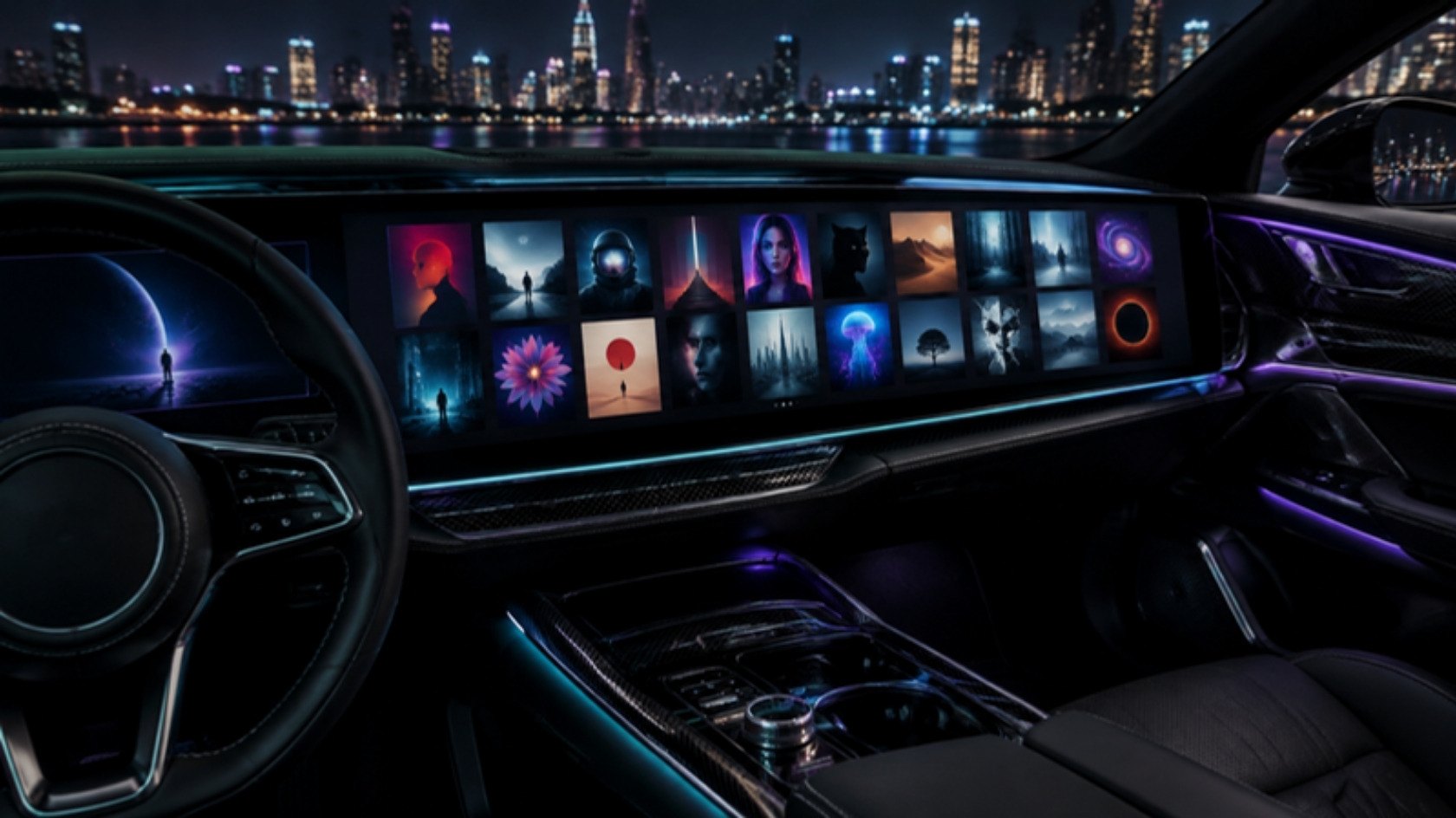
Watch videos on Apple CarPlay
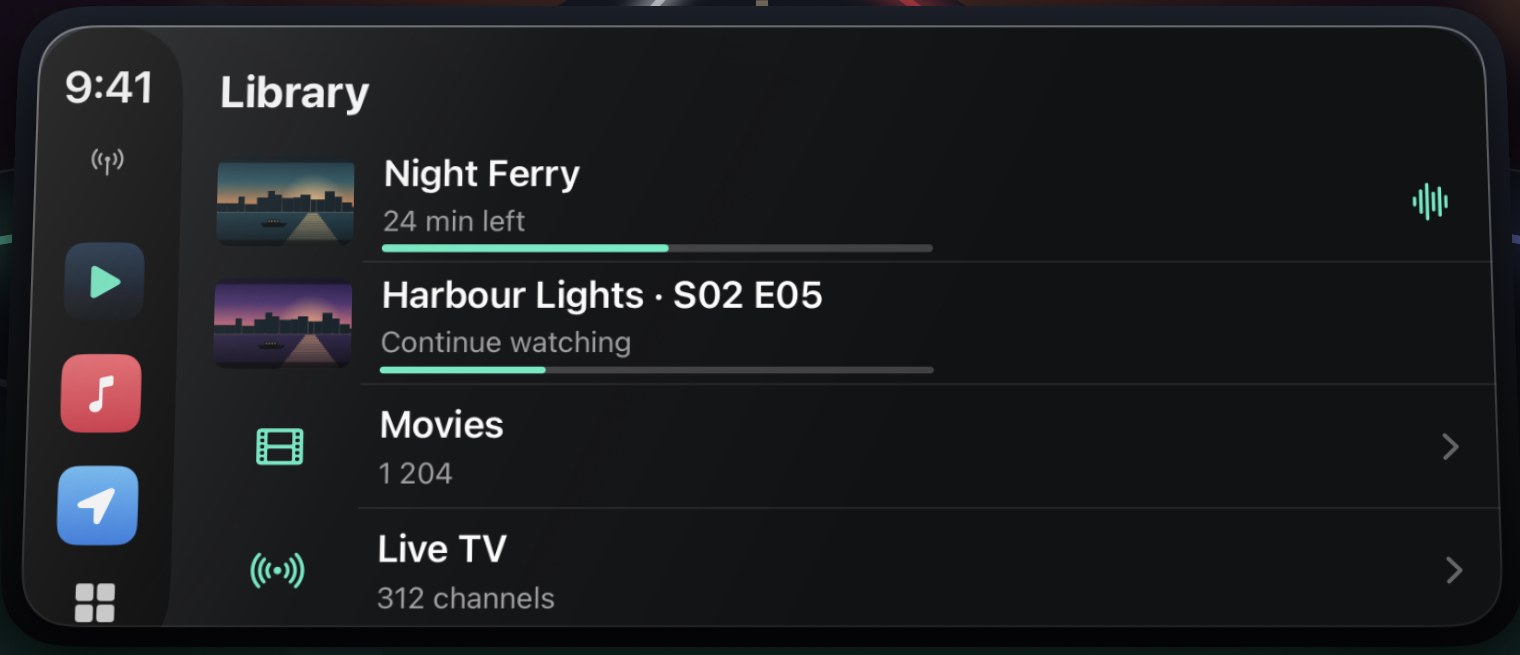
In cars that support video in CarPlay, the picture shows on the car display. Tap the TV button in Now Playing once after connecting; the next titles follow on their own. In other CarPlay cars you browse and listen.
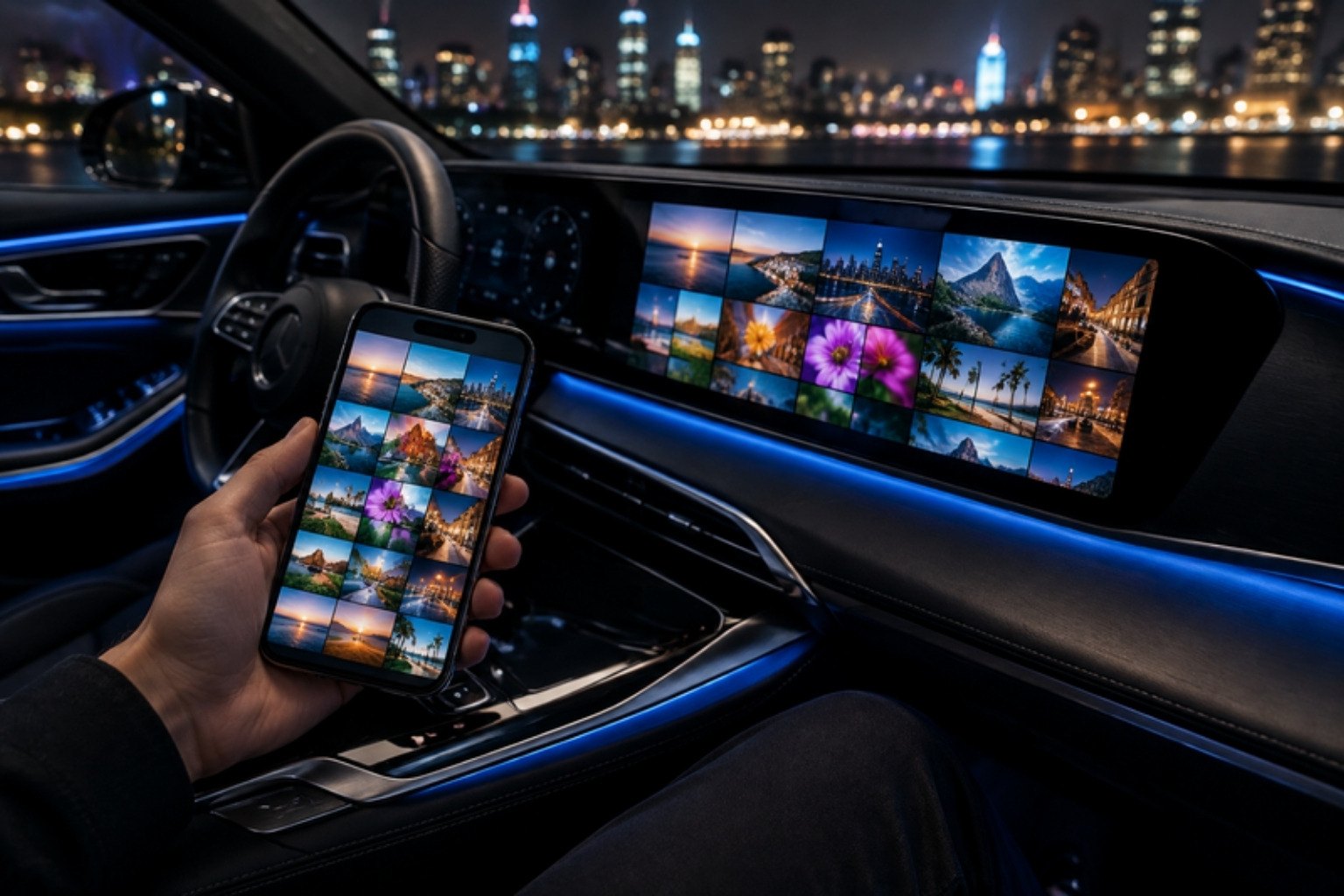
CarPlay screen mirroring
With Premium, show your whole iPhone screen on the car display in cars that support video in CarPlay. One tap to start, Smooth (720p) or Sharp (1080p).
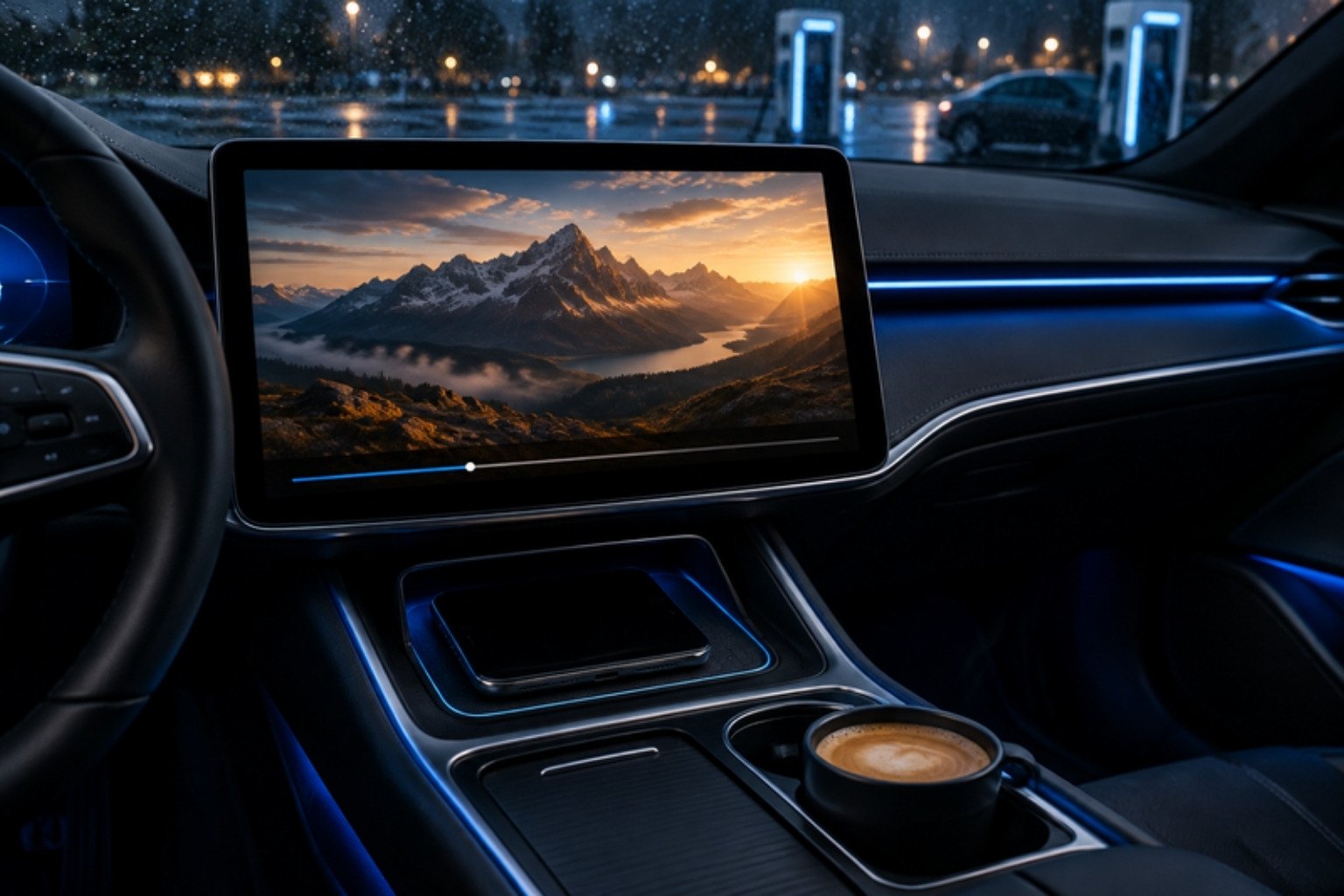
IPTV player for CarPlay
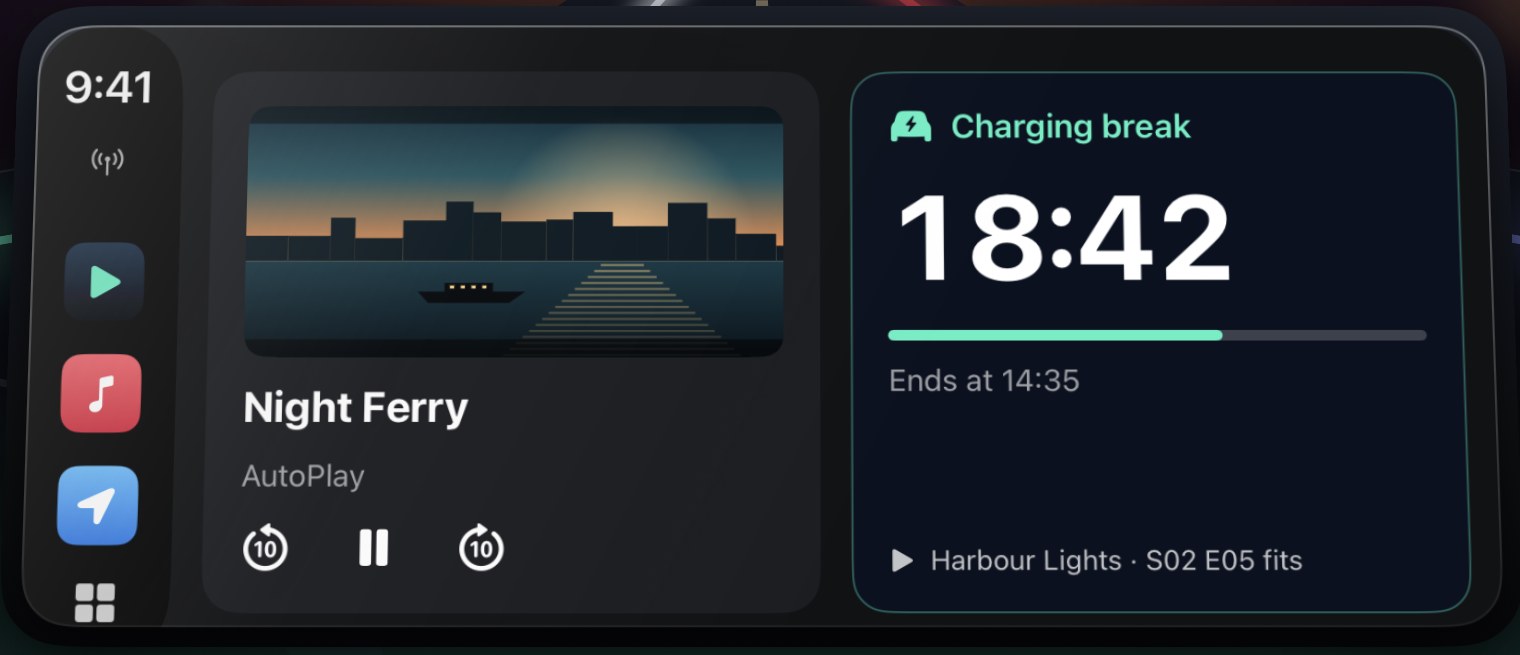
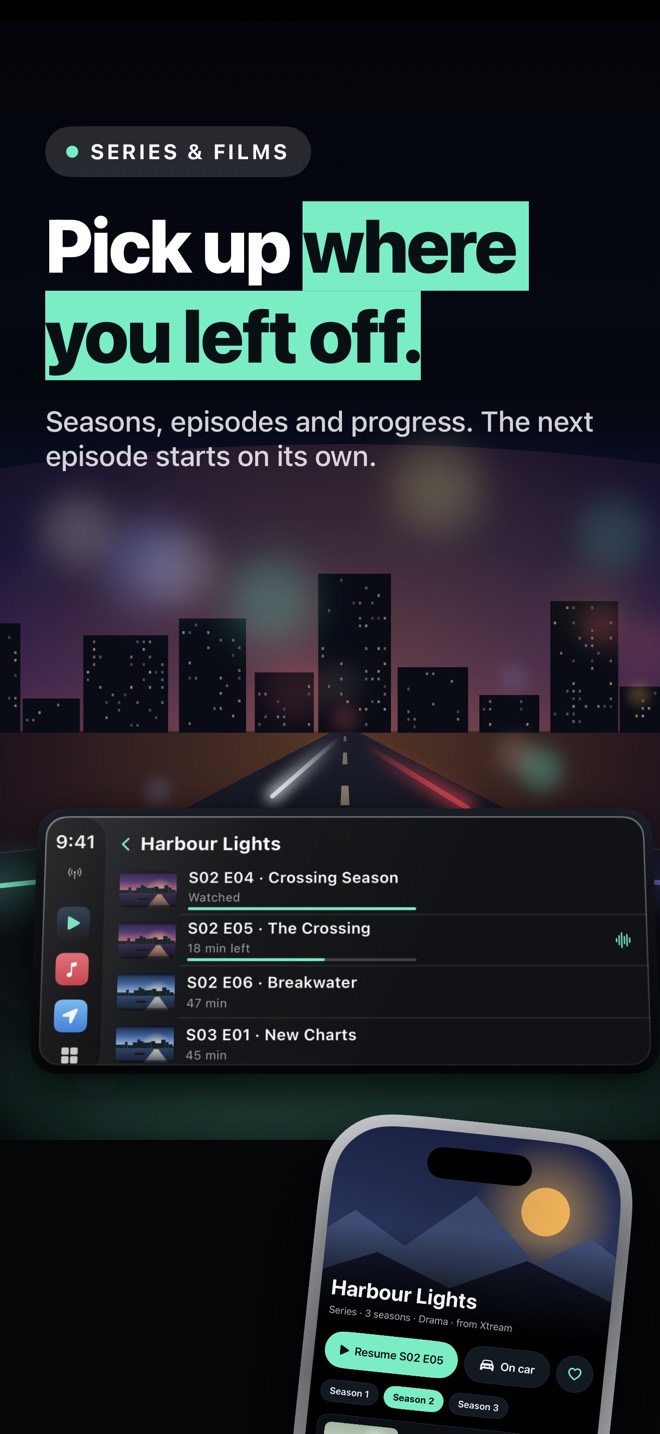
Live TV, films and series from your IPTV playlists, sorted by group with logos and posters, right on the CarPlay home screen. Play, pause, back and forward 10 seconds in Now Playing.
M3U player for iPhone
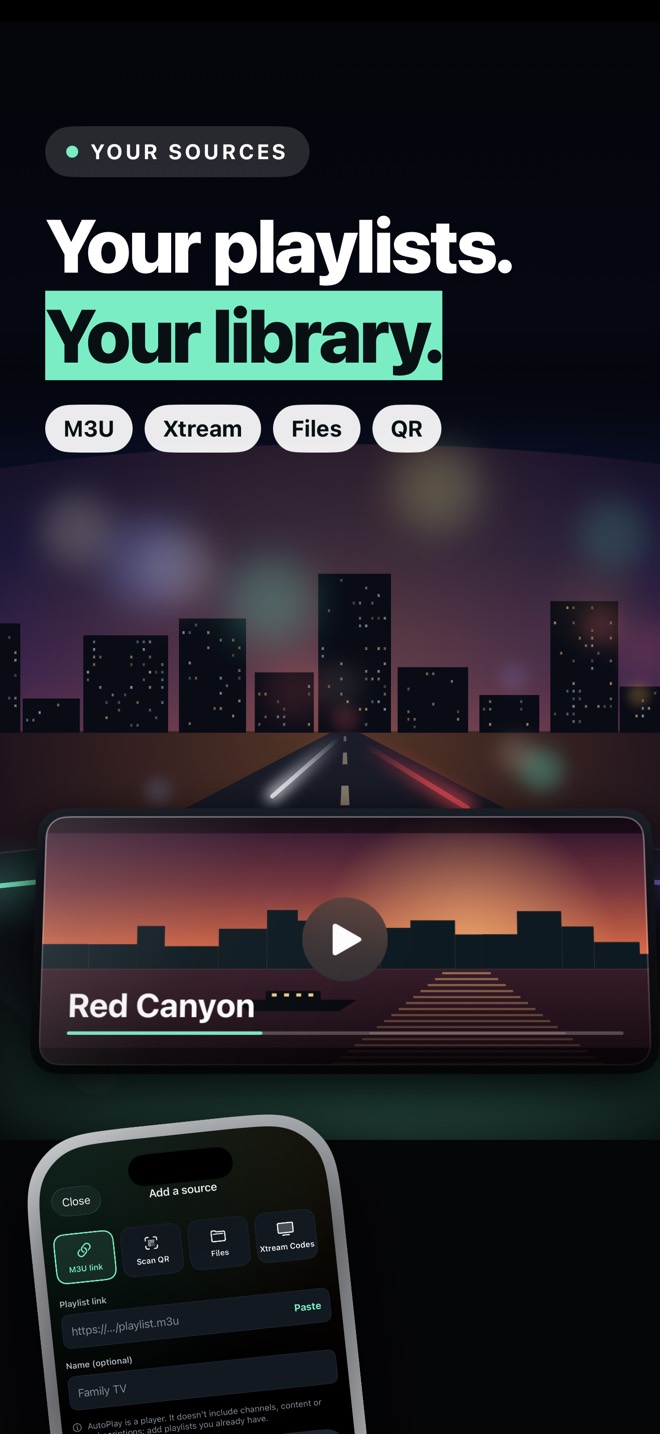
Add M3U and M3U8 links, Xtream Codes logins or a playlist QR code. A full-screen iPhone player with audio tracks, subtitles, speed and AirPlay to a TV.
Play movies on the car screen
MKV, AVI, TS, MP4, MOV and HLS, including HEVC. Import films from the iPhone and play them offline; in cars that support video in CarPlay they show on the car screen.
Made for breaks
Charging the car, waiting at the airport, camping by the lake: pick a 15 to 60 minute break and AutoPlay suggests titles that fit, with a countdown on the Lock Screen and the CarPlay Dashboard.
See it
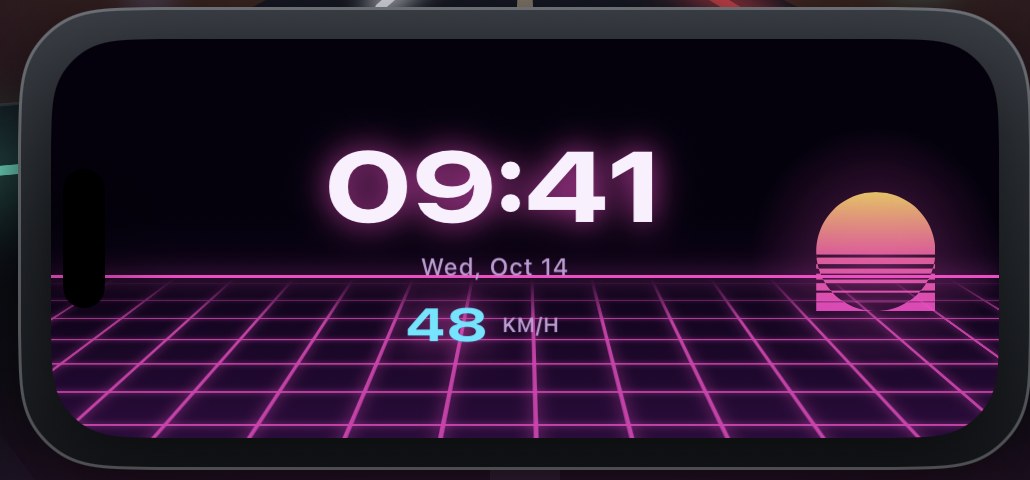
On your iPhone
- Full-screen player with fit and fill, playback speed, audio tracks and subtitles
- AirPlay to a TV
- 10 animated dashboard faces with time, date and speed, 2 of them free
- Your sources and logins stay on the iPhone; passwords are kept in the Keychain
AutoPlay at a glance
| App | AutoPlay: Car TV & Video |
|---|---|
| What it is | IPTV player for CarPlay, M3U player for iPhone, CarPlay screen mirroring |
| Made by | Rotenberg Softs, Bingen am Rhein, Germany |
| Works with | iPhone with iOS 17 or later, Apple CarPlay; AirPlay to a TV |
| Picture in the car | In cars that support video in CarPlay; sound and browsing in every CarPlay car |
| Sources | M3U / M3U8 links, Xtream Codes, playlist QR codes, video files |
| Formats | MKV, AVI, TS, MP4, MOV, HLS (.m3u8), HEVC; audio tracks and subtitles |
| Price | Free download with ads (iPhone player, 2 dashboard faces); Premium for playback in the car, screen mirroring and all faces: weekly, yearly or one-time lifetime |
| Languages | 30, including English, German, Spanish, French, Turkish, Arabic and Japanese |
| Content | None included: AutoPlay is a player for sources you already have the right to use |
Questions
How do I watch videos on Apple CarPlay?
Install AutoPlay on your iPhone, add an M3U playlist link, an Xtream Codes login or your video files, and connect the iPhone to the car. AutoPlay appears on the CarPlay home screen, where you browse movies, series and live TV and hear them through the car. In cars that support video in CarPlay, the picture shows on the car display too: tap the TV button in CarPlay's Now Playing screen once after connecting.
Which cars show video in CarPlay?
Video in CarPlay is a newer Apple feature that only some cars support. If your car supports it, CarPlay's Now Playing screen shows a TV button. In every other CarPlay car, AutoPlay lists your library on the car display and plays the sound through the car, while the picture stays on the iPhone.
How does CarPlay screen mirroring work?
With AutoPlay Premium, in cars that support video in CarPlay: open the Mirror tab on the iPhone, tap Start, confirm Start Broadcast and tap the TV button in Now Playing once. Your whole iPhone screen shows on the car display, in Smooth (720p) or Sharp (1080p). Apps that protect their videos, like many streaming services, show a black picture; AutoPlay cannot change that.
Is there an IPTV player for CarPlay?
Yes. AutoPlay is an IPTV player for CarPlay: add an M3U or M3U8 link or an Xtream Codes login, and your live channels, films and series appear on the CarPlay home screen, sorted by group, with logos and posters. Sound plays through the car in every CarPlay car; the picture shows in cars that support video in CarPlay.
Can I use AutoPlay as an M3U player for iPhone?
Yes. Paste an M3U or M3U8 link, sign in with Xtream Codes or scan a playlist QR code. AutoPlay plays MKV, AVI, TS, MP4, MOV and HLS (.m3u8), including HEVC, with audio tracks and subtitles in a full-screen iPhone player, and sends the picture to a TV with AirPlay.
Can I play movies on my car screen?
In cars that support video in CarPlay, yes: start a film or episode in AutoPlay and tap the TV button in CarPlay's Now Playing screen once after connecting; the next titles follow on their own. In other cars the sound plays through the car and the picture stays on the iPhone.
Does AutoPlay include channels or movies?
No. AutoPlay is a player, like VLC or Infuse. It provides no channels, movies, playlists or subscriptions; you add sources you already have the right to use.
Can I watch video while driving?
No. Never watch while driving. AutoPlay is made for breaks such as charging an electric car, waiting at the airport or camping; while you drive, keep listening.
Is AutoPlay free?
AutoPlay is free to download. The free version includes the iPhone player and 2 dashboard faces, with ads. AutoPlay Premium (weekly, yearly or a one-time lifetime purchase) unlocks playback in the car, screen mirroring and every dashboard face, and removes ads.
What do I need to use AutoPlay?
An iPhone with iOS 17 or later and a car with Apple CarPlay. For video on the car display, the car must support video in CarPlay. No extra box or adapter is needed.
Your films, series and live TV, in the car.
Free download. Premium unlocks playback in the car and screen mirroring.